




uni-app 三级取值问题
uni-app 三级取值问题
| 开发环境 | 版本号 | 项目创建方式 |
|---|---|---|
| Windows | win10 | HBuilderX |
| uniapp/App | ||
| Android | Android 10 | |
| 小米 | Redmi K30 |
示例代码:
<template>
    <view class="title u-m-t-20">承 租 人:{{ contracdeatil.lesseeDto.name }}</view>
    <view class="title u-line-1 u-m-t-20">联系方式:{{ contracdeatil.lesseeDto.telPhone }}</view>
</template>

<script>
import ajax from '@/utils/request.js';
export default {
    data() {
        return {
            contractId: '',
            contracdeatil: [],
            lesseeDto: {},
        };
    },
    onLoad: function(option) {
        this.contractId = option.id;
        this.getcontractinfo();
    },
    methods: {
        getcontractinfo() {
            const _this = this;
            ajax.get({
                url: 'zfappcontract/getcontractinfo',
                data: {
                    contractId: _this.contractId
                },
                success: function(res) {
                    _this.contracdeatil = res;
                    _this.lesseeDto = _this.contracdeatil.lesseeDto;
                }
            });
        }
    }
};
</script>

<style lang="scss" scoped>
.left {
    display: flex;
    align-items: center;
}
</style>
操作步骤:
<view class="title u-m-t-20">承 租 人:{{ contracdeatil.lesseeDto.name }}</view>
<view class="title u-line-1 u-m-t-20">联系方式:{{ contracdeatil.lesseeDto.telPhone }}</view>
预期结果:
<view class="title u-line-1 u-m-t-20">承 租 人:{{ lesseeDto.name || '' }}</view>
<view class="title u-line-1 u-m-t-20">联系方式:{{ lesseeDto.telPhone || '' }}</view>
实际结果:
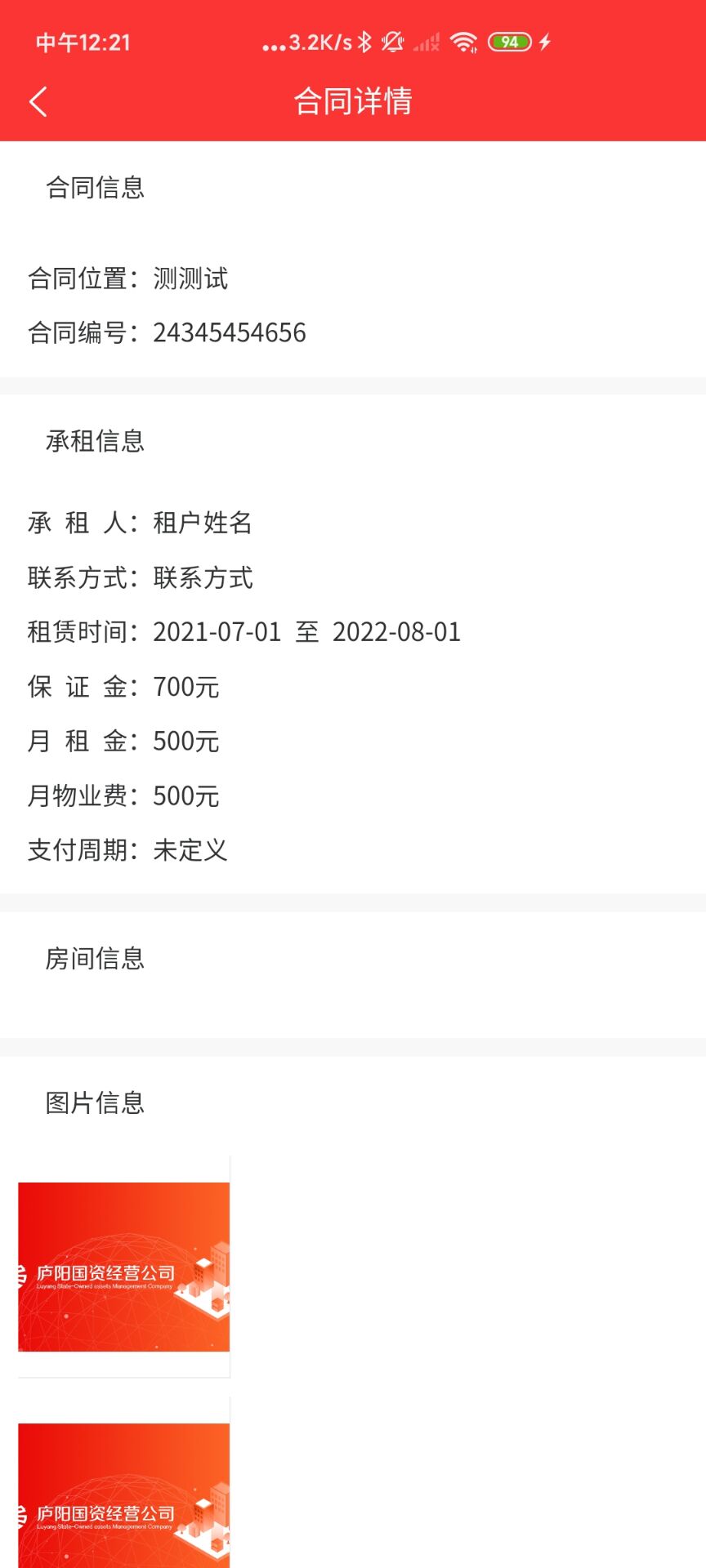
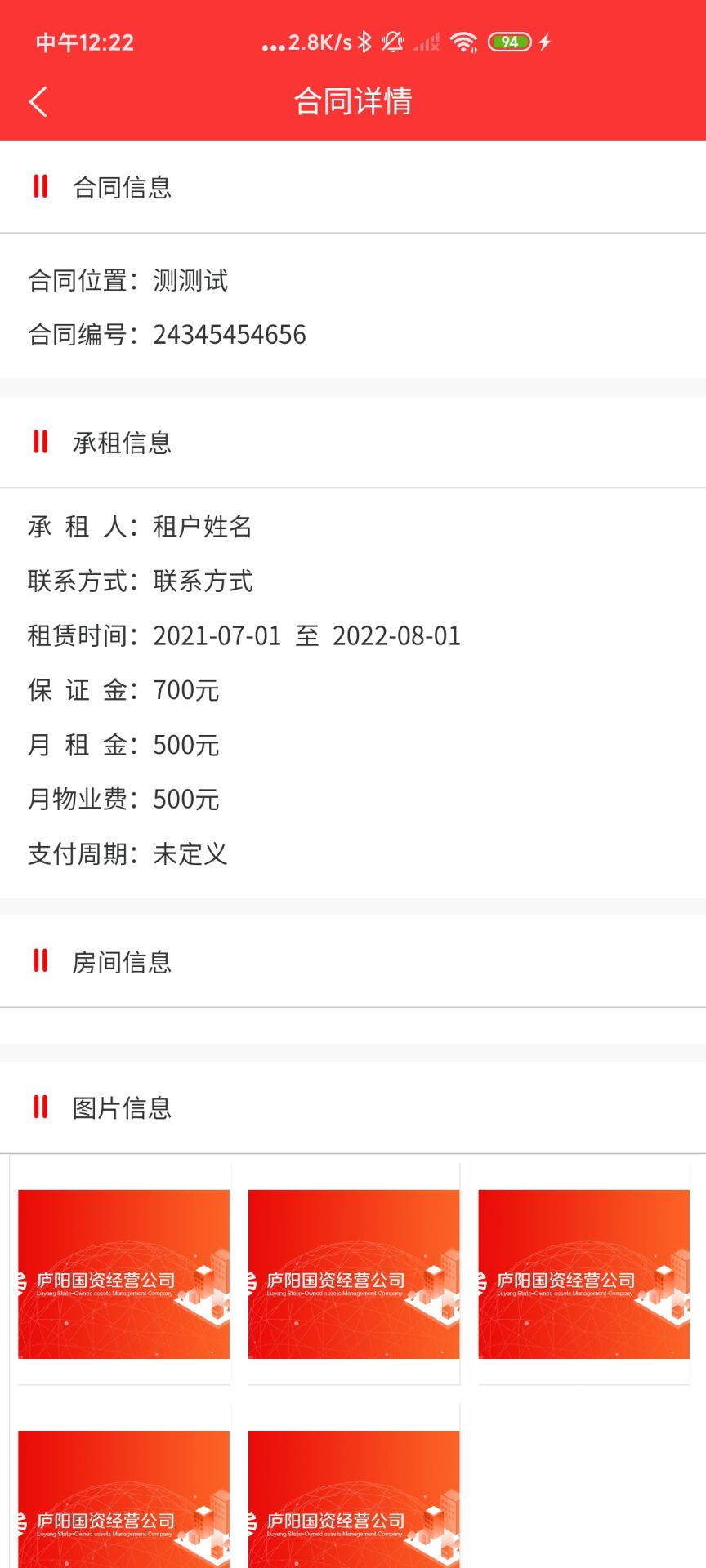
如图一
bug描述:
<view class="title u-m-t-20">承 租 人:{{ contracdeatil.lesseeDto.name }}</view>
三级取值报错: [Vue warn]: Error in render: "TypeError: Cannot read property 'name' of undefined"
页面·数据实际可以取出,但页面uView组件全部不可用

调整为二级取值可解决
<view class="title u-line-1 u-m-t-20">承 租 人:{{ lesseeDto.name || '' }}</view>

报错详情:
12:24:58.099 [Vue warn]: Error in render: "TypeError: Cannot read property 'name' of undefined"
12:24:58.159 (found at pages/contract/contractdeatil.vue:1)
12:24:58.190 TypeError: Cannot read property 'name' of undefined
...
更多关于uni-app 三级取值问题的实战教程也可以访问 https://www.itying.com/category-93-b0.html
1 回复

更多关于uni-app 三级取值问题的实战教程也可以访问 https://www.itying.com/category-93-b0.html
这是一个典型的异步数据渲染问题。在uni-app(基于Vue)中,当模板尝试访问contracdeatil.lesseeDto.name时,contracdeatil或lesseeDto可能还未被赋值(初始值为空数组或空对象),导致访问未定义的属性而报错。
问题分析:
contracdeatil初始值为空数组[],但模板中直接访问contracdeatil.lesseeDto,相当于访问[].lesseeDto,返回undefined- 继续访问
undefined.name就会触发"Cannot read property ‘name’ of undefined"错误 - 虽然数据在异步请求成功后能正确获取,但初始渲染阶段已经报错
解决方案:
方案1:使用可选链操作符(推荐)
<view class="title u-m-t-20">承 租 人:{{ contracdeatil?.lesseeDto?.name || '' }}</view>
<view class="title u-line-1 u-m-t-20">联系方式:{{ contracdeatil?.lesseeDto?.telPhone || '' }}</view>
方案2:使用v-if条件渲染
<view class="title u-m-t-20" v-if="contracdeatil.lesseeDto">承 租 人:{{ contracdeatil.lesseeDto.name }}</view>
<view class="title u-line-1 u-m-t-20" v-if="contracdeatil.lesseeDto">联系方式:{{ contracdeatil.lesseeDto.telPhone }}</view>
方案3:初始化时设置正确的数据结构
data() {
    return {
        contractId: '',
        contracdeatil: {
            lesseeDto: {}
        }, // 改为对象结构
        lesseeDto: {},
    };
},
方案4:使用计算属性
computed: {
    lesseeInfo() {
        return this.contracdeatil.lesseeDto || {};
    }
}