




uni-app 纯 nvue 下 plus.webview.create() 创建的 webview 无法通过 append 跟随页面关闭
uni-app 纯 nvue 下 plus.webview.create() 创建的 webview 无法通过 append 跟随页面关闭
示例代码:
页面A
<template>
  <view class="content">
    <text class="title" @click="onLink()">跳转</text>
  </view>
</template>

<script>
  export default {
    methods: {
      onLink() {
        uni.navigateTo({
          url: '/pages/web/index'
        })
      }
    }
  };
</script>

<style>
  .content {
    background: #fff;
    flex: 1;
  }

  .title {
    font-size: 36rpx;
    color: #007AFF;
  }
</style>
页面B
<template>
  <view class="page"></view>
</template>

<script>
  export default {
    onLoad() {
      const page = this.$scope.$getAppWebview()
      const web = plus.webview.create('https://baidu.com', 'custom', {
        top: uni.getSystemInfoSync().statusBarHeight + 44,
        bottom: 0,
      })
      page.append(web)
      web.show()
    },
  };
</script>

<style>
  .page {
    background: #f5f5f5;
  }
</style>
操作步骤:
页面是 webview.nvue,内部通过 plus.webview.create 创建子webview,返回的时候,子webview 没有跟随关闭
预期结果:
跟随关闭
实际结果:
没有跟随关闭
bug描述:
纯 nvue 下 plus.webview.create() 创建的weview 设置了 this.$scope.$getAppWebview().append(wv) 无法跟随关闭
苹果和安卓都有这个问题
补充了demo工程和视频
| 开发环境 | 版本号 | 项目创建方式 |
|---|---|---|
| Windows | macOS Big Sur 11.2.3 | HBuilderX |
附件
更多关于uni-app 纯 nvue 下 plus.webview.create() 创建的 webview 无法通过 append 跟随页面关闭的实战教程也可以访问 https://www.itying.com/category-93-b0.html

去掉 web.show();// 这是导致没有跟随关闭的原因
把 this.$scope.$getAppWebview() 替换为 plus.webview.currentWebview()
更多关于uni-app 纯 nvue 下 plus.webview.create() 创建的 webview 无法通过 append 跟随页面关闭的实战教程也可以访问 https://www.itying.com/category-93-b0.html

ios模拟器没有复现出问题。
尝试修改把。parent.id改为其它字符串看看
const web = plus.webview.create(’’, ‘custom-webview’, { })javascript:;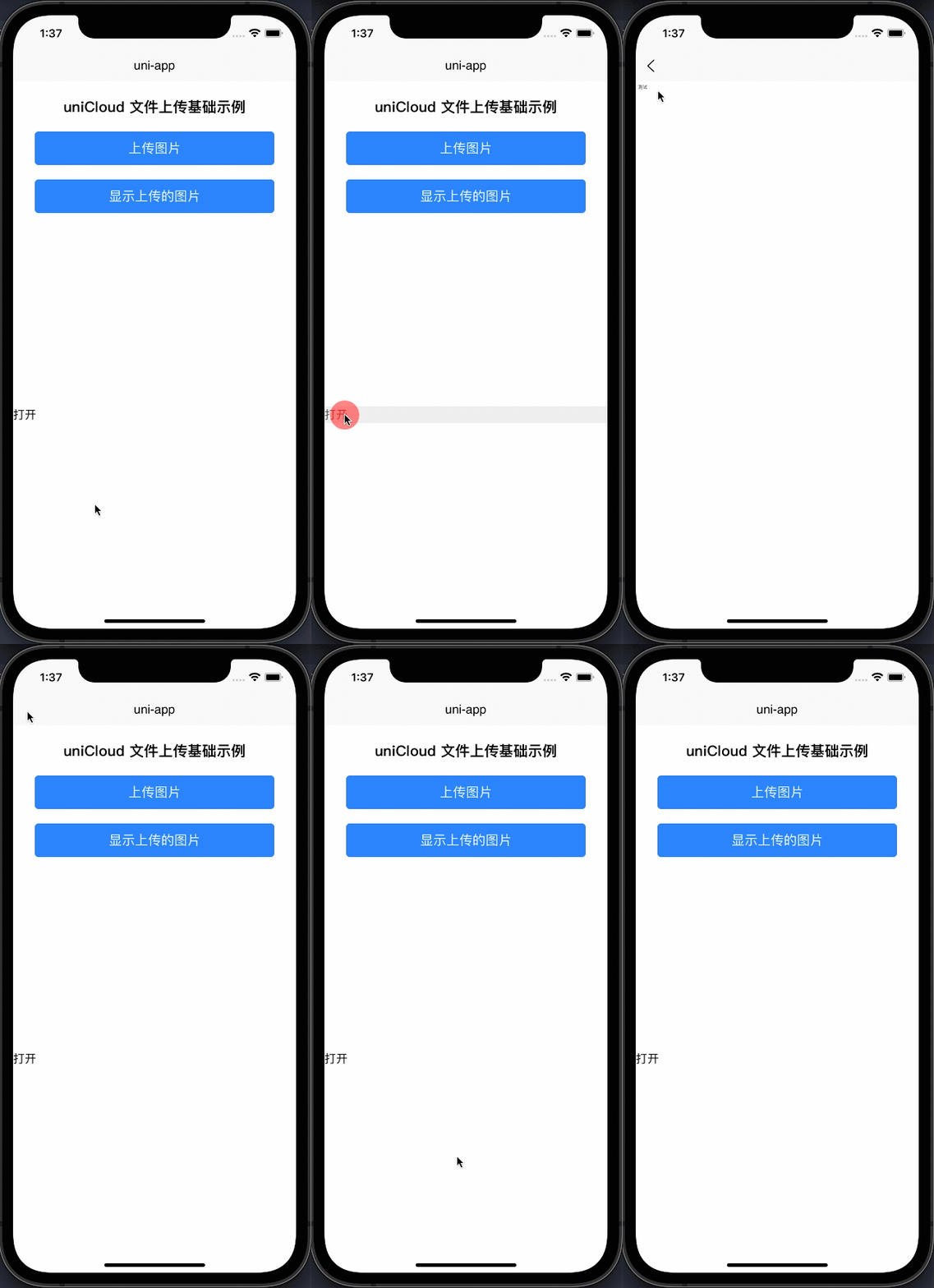


在纯 nvue 环境下,plus.webview.create() 创建的 webview 通过 append 添加到页面后,确实可能无法跟随页面自动关闭。这是因为 nvue 页面的生命周期管理与传统 webview 存在差异。
问题分析:
- nvue 页面基于原生渲染,其 webview 管理机制与 vue 页面不同
append方法虽然将 webview 添加到当前页面,但未建立强关联的生命周期绑定- 当 nvue 页面关闭时,系统不会自动清理通过
plus.webview.create()创建的子 webview
解决方案:
在页面B的 onUnload 或 onHide 生命周期中手动关闭创建的 webview:
export default {
  data() {
    return {
      webview: null
    }
  },
  onLoad() {
    const page = this.$scope.$getAppWebview()
    this.webview = plus.webview.create('https://baidu.com', 'custom', {
      top: uni.getSystemInfoSync().statusBarHeight + 44,
      bottom: 0,
    })
    page.append(this.webview)
    this.webview.show()
  },
  onUnload() {
    if (this.webview) {
      this.webview.close()
      this.webview = null
    }
  }
}