




uni-app 搜索蓝牙使用service的uuid进行过滤不起作用
uni-app 搜索蓝牙使用service的uuid进行过滤不起作用
| 开发环境 | 版本号 | 项目创建方式 |
|---|---|---|
| Mac | 11.3 | HBuilderX |
操作步骤:
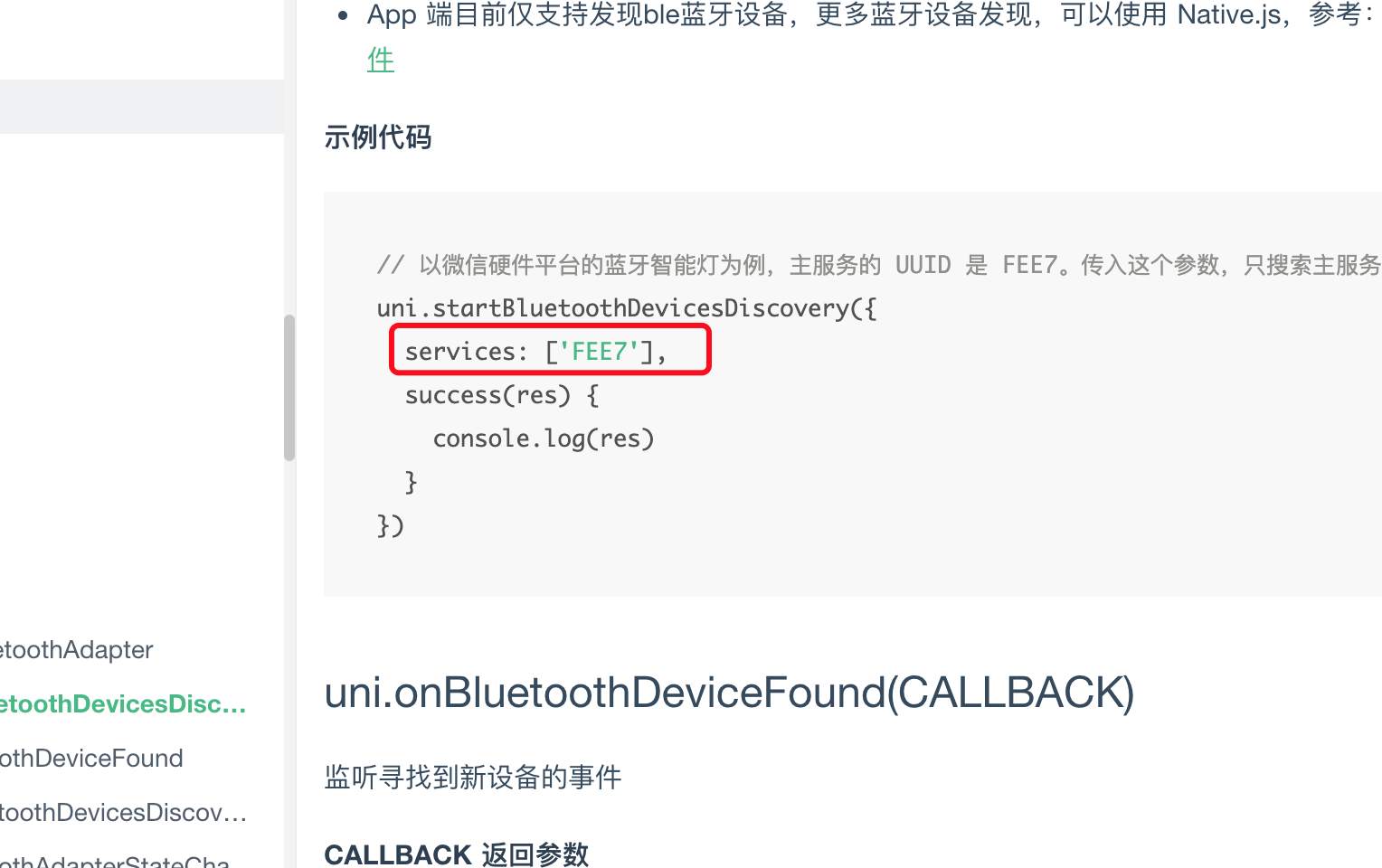
- copy官网案例代码运行
预期结果:
- 根据uuid进行过滤
实际结果:
- 根据uuid过滤无效
bug描述:
uni.startBluetoothDevicesDiscovery({
services: ['0000FFF0'],
success: e => {
console.log('开始搜索蓝牙设备:' + e.errMsg);
this.searchLoad = true;
this.onBluetoothDeviceFound();
},
fail: e => {
console.log('搜索蓝牙设备失败,错误码:' + e.errCode);
if (e.errCode !== 0) {
service.initTypes(e.errCode);
}
}
});
```
传入uuid "0000FFF0" 进行过滤无效
```
更多关于uni-app 搜索蓝牙使用service的uuid进行过滤不起作用的实战教程也可以访问 https://www.itying.com/category-93-b0.html
1 回复

更多关于uni-app 搜索蓝牙使用service的uuid进行过滤不起作用的实战教程也可以访问 https://www.itying.com/category-93-b0.html
根据你提供的代码和截图,问题可能出现在以下几个方面:
-
服务UUID格式问题:蓝牙服务UUID通常需要完整的128位格式。虽然有些平台支持16位或32位简写,但为了确保兼容性,建议使用完整UUID格式。尝试使用完整格式:
0000FFF0-0000-1000-8000-00805F9B34FB -
平台差异处理:uni-app的蓝牙API在不同平台(iOS、Android、小程序)上实现有差异。某些平台可能不支持通过services参数过滤设备,或者支持的UUID格式不同。
-
过滤时机问题:
services参数在某些平台上仅作为搜索时的提示,实际过滤可能需要在onBluetoothDeviceFound回调中手动处理。
建议修改方案:
// 尝试完整UUID格式
uni.startBluetoothDevicesDiscovery({
    services: ['0000FFF0-0000-1000-8000-00805F9B34FB'],
    // 或者同时尝试16位格式
    // services: ['FFF0'],
    success: e => {
        console.log('开始搜索蓝牙设备:' + e.errMsg);
    },
    fail: e => {
        console.log('搜索蓝牙设备失败,错误码:' + e.errCode);
    }
});

// 在onBluetoothDeviceFound中手动过滤
uni.onBluetoothDeviceFound((devices) => {
    devices.forEach(device => {
        // 检查设备是否包含目标服务
        if (device.advertisServiceUUIDs &&
            device.advertisServiceUUIDs.includes('FFF0')) {
            console.log('找到目标设备:', device);
        }
    });
});