




uni-app ios nvue页面 video封面拉伸变形
uni-app ios nvue页面 video封面拉伸变形
示例代码:
```html
<list [@scroll](/user/scroll)="scrolls" offset-accuracy="10" ref='list' v-if="type=='video'" class="swiper" :style="'height:'+screenHeight+'px;'"
      :show-scrollbar='false'  :pagingEnabled='true' :scrollable='true' >
    <cell ref='cell' v-for="(item, index) in videoList" :key="index" class="swiper-item_cell" :style="{height:screenHeight+'px'}">
        <view class="video_wrap" :style="{height:screenHeight+'px'}">
            <video object-fit="contain" ref="video1"  :loop='true' :id='"video_"+index'
                class="swiper-item_video video" :poster="item.poster"  :style="{height:screenHeight+'px'}" :src="item.url" :autoplay="false">
            </video>
        </view>
    </cell>
</list>
```
操作步骤:
```html
<list [@scroll](/user/scroll)="scrolls" offset-accuracy="10" ref='list' v-if="type=='video'" class="swiper" :style="'height:'+screenHeight+'px;'"
      :show-scrollbar='false'  :pagingEnabled='true' :scrollable='true' >
    <cell ref='cell' v-for="(item, index) in videoList" :key="index" class="swiper-item_cell" :style="{height:screenHeight+'px'}">
        <view class="video_wrap" :style="{height:screenHeight+'px'}">
            <video object-fit="contain" ref="video1"  :loop='true' :id='"video_"+index'
                class="swiper-item_video video" :poster="item.poster"  :style="{height:screenHeight+'px'}" :src="item.url" :autoplay="false">
            </video>
        </view>
    </cell>
</list>
```
预期结果:
封面和视频播放大小一致
实际结果:
视频封面被拉伸,播放闪动
bug描述:
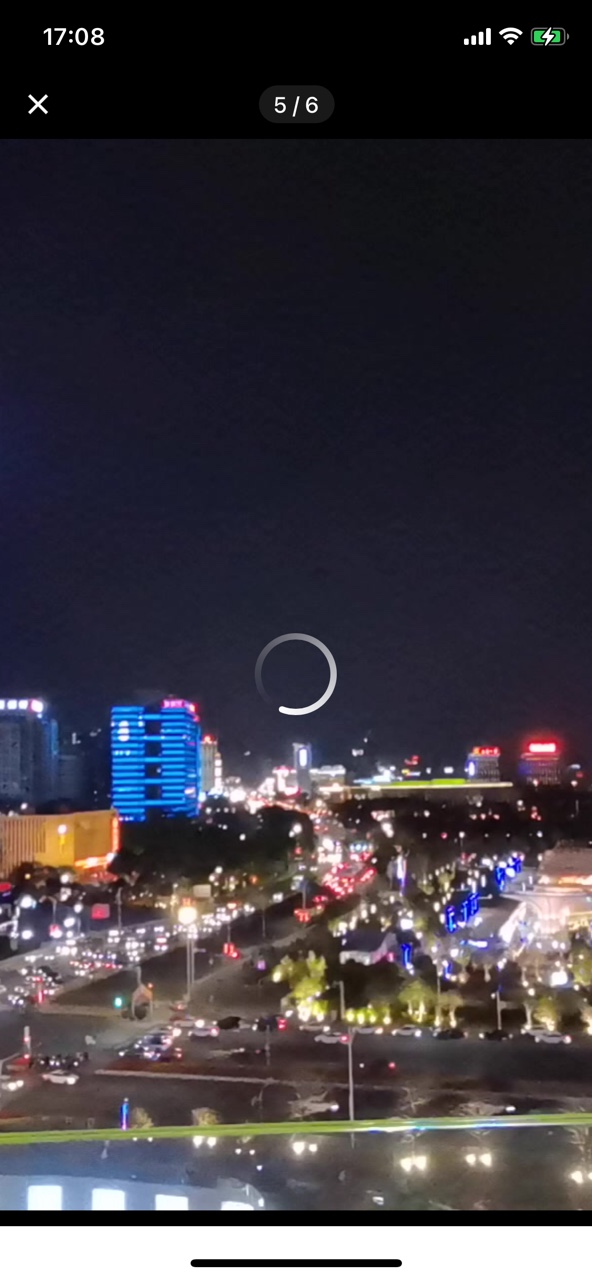
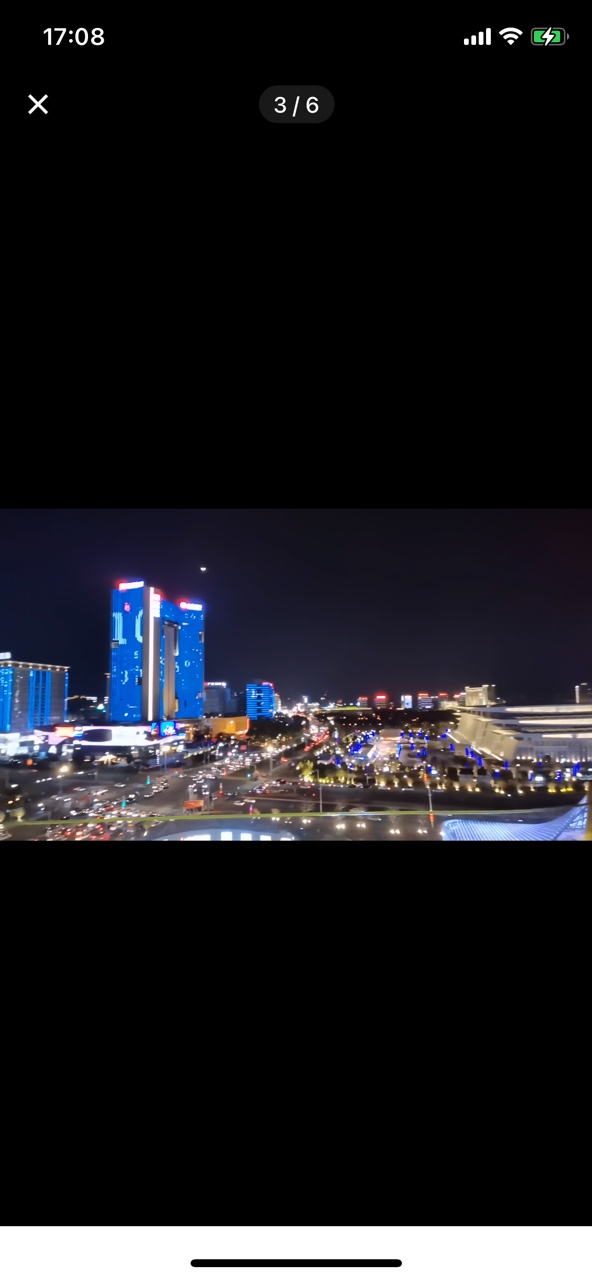
video组件object-fit设置为contain,视频封面拉伸变形。 视频封面如图1 视频播放效果如图2
信息整理
| 信息类别 | 内容 |
|---|---|
| 产品分类 | uniapp/App |
| PC开发环境 | Windows |
| PC开发环境版本 | win10 |
| 手机系统 | iOS |
| 手机系统版本 | iOS 13.0 |
| 手机厂商 | 苹果 |
| 手机机型 | iphone 11 |
| 页面类型 | nvue |
| 打包方式 | 云端 |
| 项目创建方式 | CLI |
| CLI版本号 | 3 |
更多关于uni-app ios nvue页面 video封面拉伸变形的实战教程也可以访问 https://www.itying.com/category-93-b0.html
6 回复


在iOS nvue页面中,video组件的封面(poster)拉伸变形是已知问题,主要原因是poster的样式控制与object-fit属性在iOS平台上的兼容性不足。
解决方案:
- 移除video的poster属性,改用独立的image组件作为封面。
- 通过条件渲染控制封面与视频的显示切换。
修改后的代码示例:
<list [@scroll](/user/scroll)="scrolls" offset-accuracy="10" ref='list' v-if="type=='video'" class="swiper" :style="'height:'+screenHeight+'px;'"
      :show-scrollbar='false'  :pagingEnabled='true' :scrollable='true' >
    <cell ref='cell' v-for="(item, index) in videoList" :key="index" class="swiper-item_cell" :style="{height:screenHeight+'px'}">
        <view class="video_wrap" :style="{height:screenHeight+'px'}">
            <!-- 独立封面图 -->
            <image v-if="!item.playing" class="poster" :src="item.poster" mode="aspectFit" :style="{height:screenHeight+'px'}"></image>
            <!-- 视频组件 -->
            <video object-fit="contain" ref="video1"  :loop='true' :id='"video_"+index'
                class="swiper-item_video video" :style="{height:screenHeight+'px', display: item.playing ? 'flex' : 'none'}"
                :src="item.url" :autoplay="false" @play="item.playing = true">
            </video>
        </view>
    </cell>
</list>