




uni-app unicloud-db 获取的数据报"TypeError: Cannot read property 'xxxx' of undefined"
uni-app unicloud-db 获取的数据报"TypeError: Cannot read property ‘xxxx’ of undefined"
操作步骤:
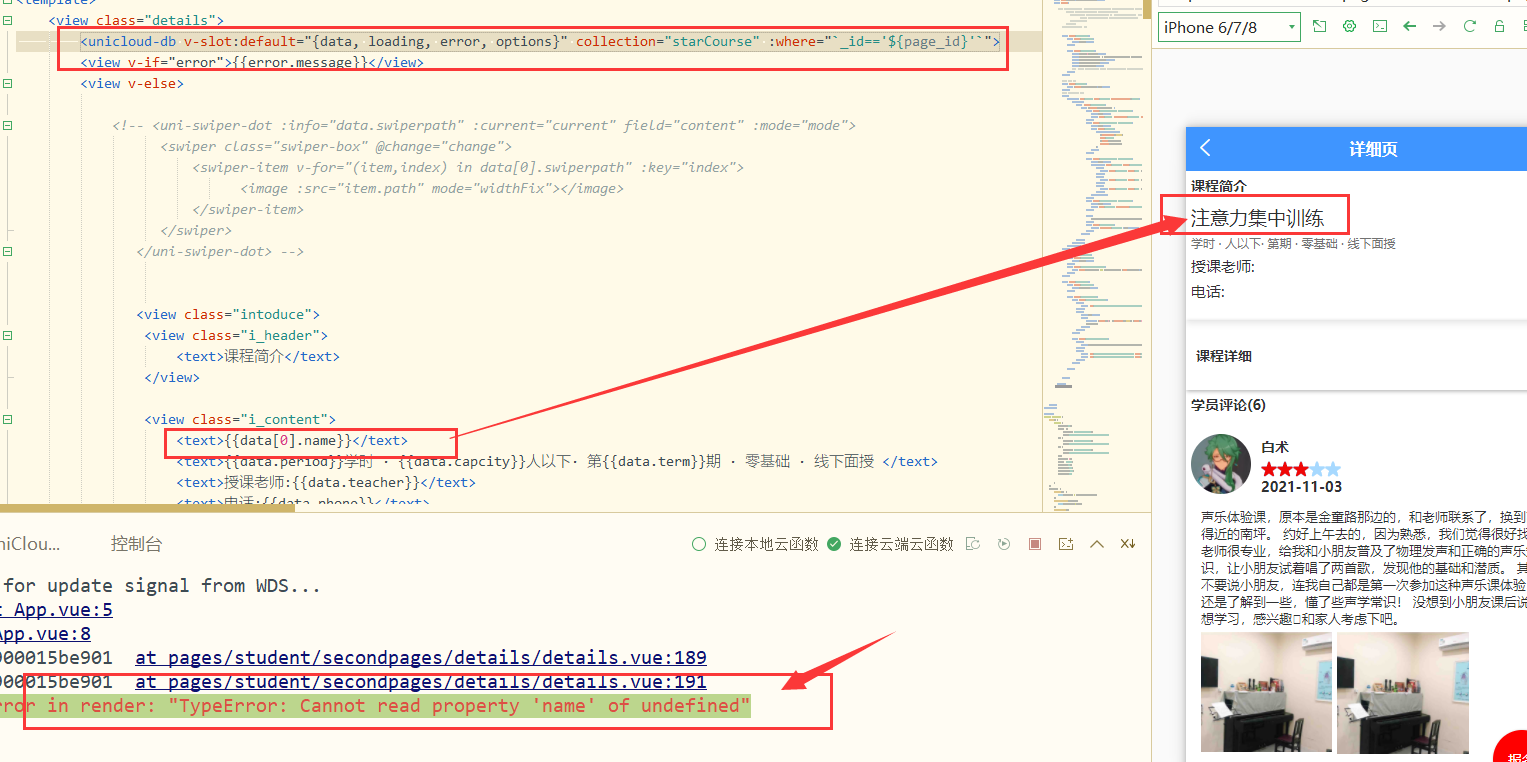
[Vue warn]: Error in render: “TypeError: Cannot read property ‘name’ of undefined”
预期结果:
[Vue warn]: Error in render: “TypeError: Cannot read property ‘name’ of undefined”
实际结果:
[Vue warn]: Error in render: “TypeError: Cannot read property ‘name’ of undefined”
bug描述:
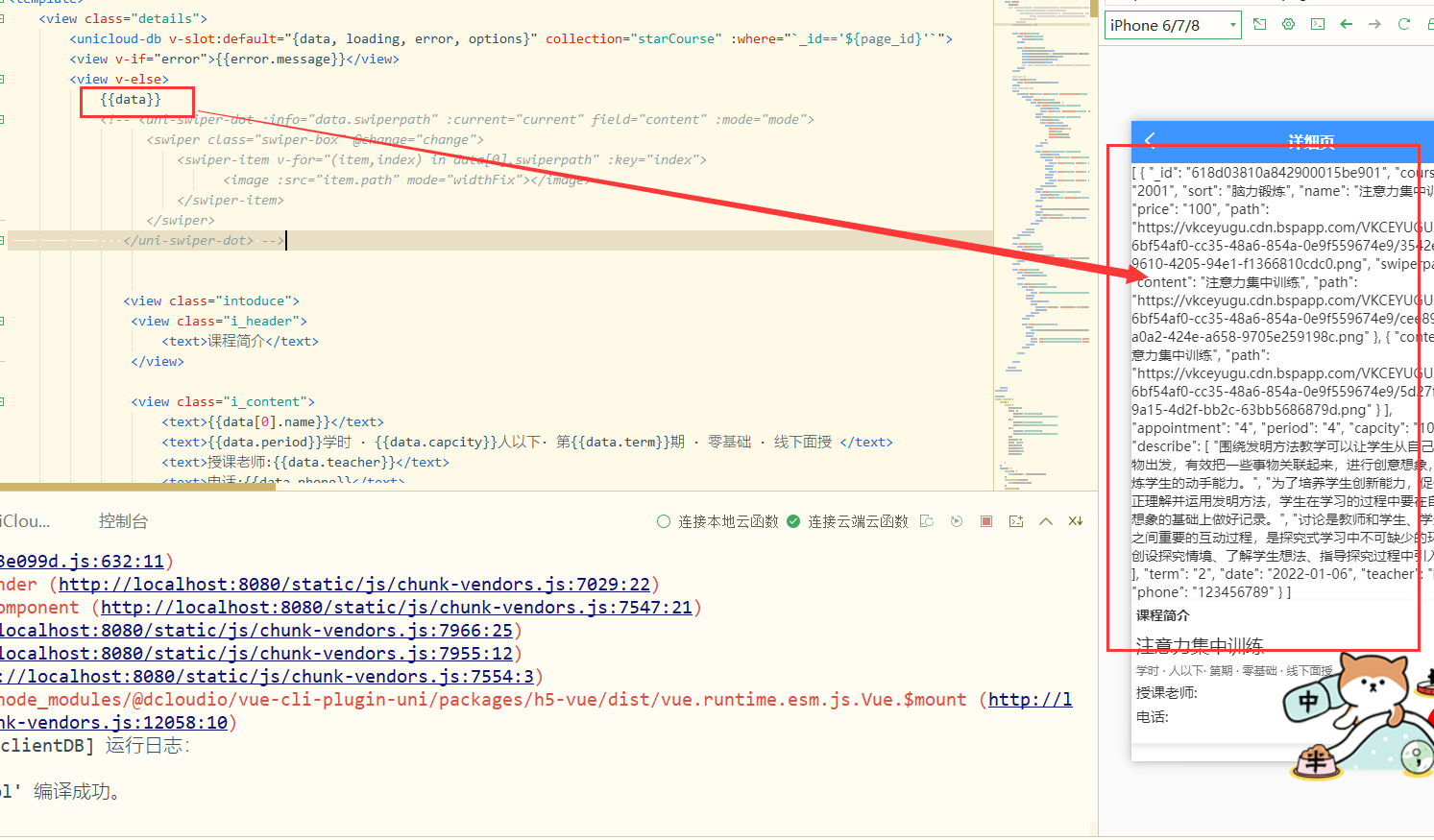
不管我用不用getone属性都会报错,但是只输出data数据也没有问题,也没报错
更多关于uni-app unicloud-db 获取的数据报"TypeError: Cannot read property 'xxxx' of undefined"的实战教程也可以访问 https://www.itying.com/category-93-b0.html

看一下网络请求是不是发送了两个请求获取数据,第一个请求没有请求到data
更多关于uni-app unicloud-db 获取的数据报"TypeError: Cannot read property 'xxxx' of undefined"的实战教程也可以访问 https://www.itying.com/category-93-b0.html


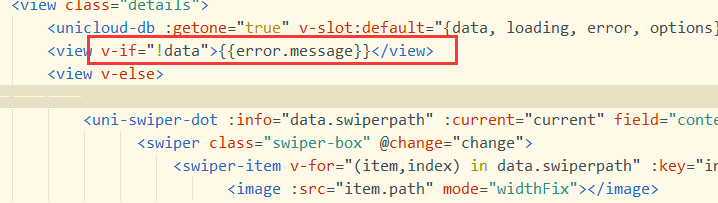

这个错误通常是因为在数据加载完成前,模板中尝试访问了未定义的对象属性。在 uni-app 的 unicloud-db 组件中,数据是异步获取的,在初始渲染时数据可能为空。
解决方案:
- 使用条件渲染:在模板中通过
v-if确保数据存在后再渲染相关部分
<view v-if="dataList && dataList.length > 0">
  {{ dataList[0].name }}
</view>
- 使用可选链操作符(需要配置编译支持):
<view>{{ dataList?.[0]?.name }}</view>
- 对于 getone 模式:使用空对象作为默认值
<unicloud-db ref="udb" v-slot:default="{data, loading}">
  <view>{{ (data || {}).name }}</view>
</unicloud-db>
- 在 data 中初始化默认值:
data() {
  return {
    dataList: []
  }
}