




HarmonyOS鸿蒙Next中使用Promise方式调用ASCF接口
HarmonyOS鸿蒙Next中使用Promise方式调用ASCF接口 当前ASCF不支持通过await方式调用。

分析
经过分析,提供了 miniprogram-api-promise 的开源库实现同等效果。
开发
1、进入ascf/ascf_src目录,npm init -y 创建package.json (如果已经有了,可选)
2、npm install miniprogram-api-promise 按照三方库
3、项目中使用这个库patch实现promise功能:
const { promisifyAll, promisify } = require('miniprogram-api-promise')
promisifyAll(has, has)

Page({
  onLoad: function () {
    console.log('onLoad')

    promisify(has.getSystemInfo)().then(console.log)
  },
  tap() {
    has.showModal({
      title: '打开 Setting'
    }).then(() => {
      has.openSetting()
    })

    has.getSystemInfo().then(res => {
      console.log('Async: getSystemInfo ', res)
    })
    console.log('Sync getSystemInfoSync', has.getSystemInfoSync())
    console.log('has.env', has.env)
    has.getSystemInfo({
      success(res) {
        console.log('Callback getSystemInfo', res)
      }
    })
  }
})
说明:也可以app.js中整体patch:promisifyAll(has, has)
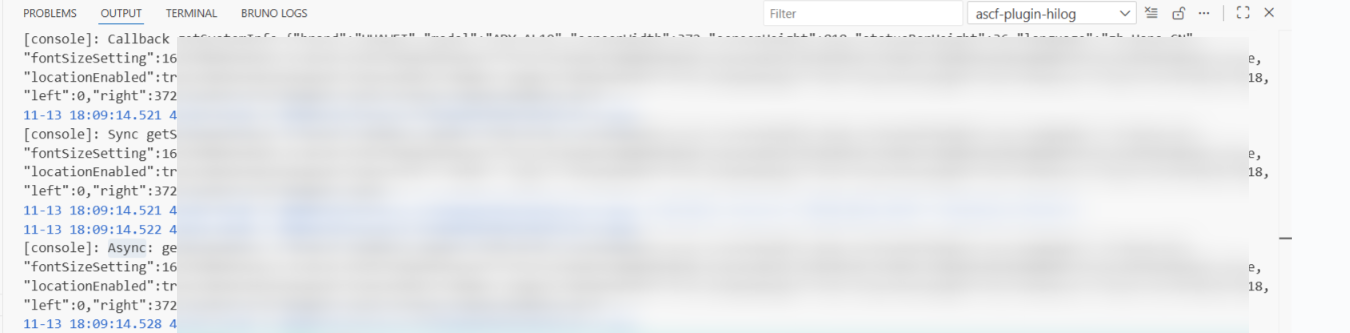
4、实现后运行的效果,参考OUTPUT日志:
更多关于HarmonyOS鸿蒙Next中使用Promise方式调用ASCF接口的实战系列教程也可以访问 https://www.itying.com/category-93-b0.html

在HarmonyOS Next中,使用Promise方式调用ASCF接口时,需导入@ohos.net.ascf模块。通过createAscfClient创建客户端实例,然后调用其异步方法(如connect、send等),这些方法返回Promise对象。使用async/await或.then()处理异步操作结果。注意在module.json5中声明ohos.permission.INTERNET网络权限。

在HarmonyOS Next中,由于当前ASCF(Ability Service Client Framework)接口暂不支持直接使用await进行异步调用,采用Promise链式调用是标准的替代方案。
具体调用方式如下:
import abilityAccessCtrl from '@ohos.abilityAccessCtrl';

// 以申请权限为例,展示Promise调用方式
let atManager = abilityAccessCtrl.createAtManager();

// 使用Promise的then/catch链式处理异步结果
atManager.requestPermissionsFromUser(this.context, ['permission.example'])
  .then((data) => {
    console.info('权限申请结果:', JSON.stringify(data));
    // 在此处处理授权成功后的逻辑
  })
  .catch((error) => {
    console.error('权限申请失败:', JSON.stringify(error));
    // 在此处处理授权失败或异常逻辑
  });
关键说明:
- Promise兼容性:HarmonyOS Next的ASCF接口遵循标准的Promise规范,所有不支持
await的异步方法均会返回Promise对象。 - 错误处理:务必通过
.catch()或.then()的第二个参数处理异常,避免静默失败。 - 上下文保持:在回调中需注意
this指向问题,建议使用箭头函数或提前绑定上下文。 - 多异步协调:如需协调多个ASCF调用,可使用
Promise.all()或Promise.race()进行组合。
这种调用模式符合HarmonyOS Next的异步编程规范,能确保应用在权限申请、服务连接等场景下的稳定交互。后续版本若支持await语法,现有Promise代码也可平滑迁移。
