




HarmonyOS鸿蒙Next中如何自由调整text的位置、大小及方向?
HarmonyOS鸿蒙Next中如何自由调整text的位置、大小及方向? 如何自由调整text的位置、大小及方向?如何将屏幕中的文字调整为一个圆圈,旁边放着两条竖立的对联?
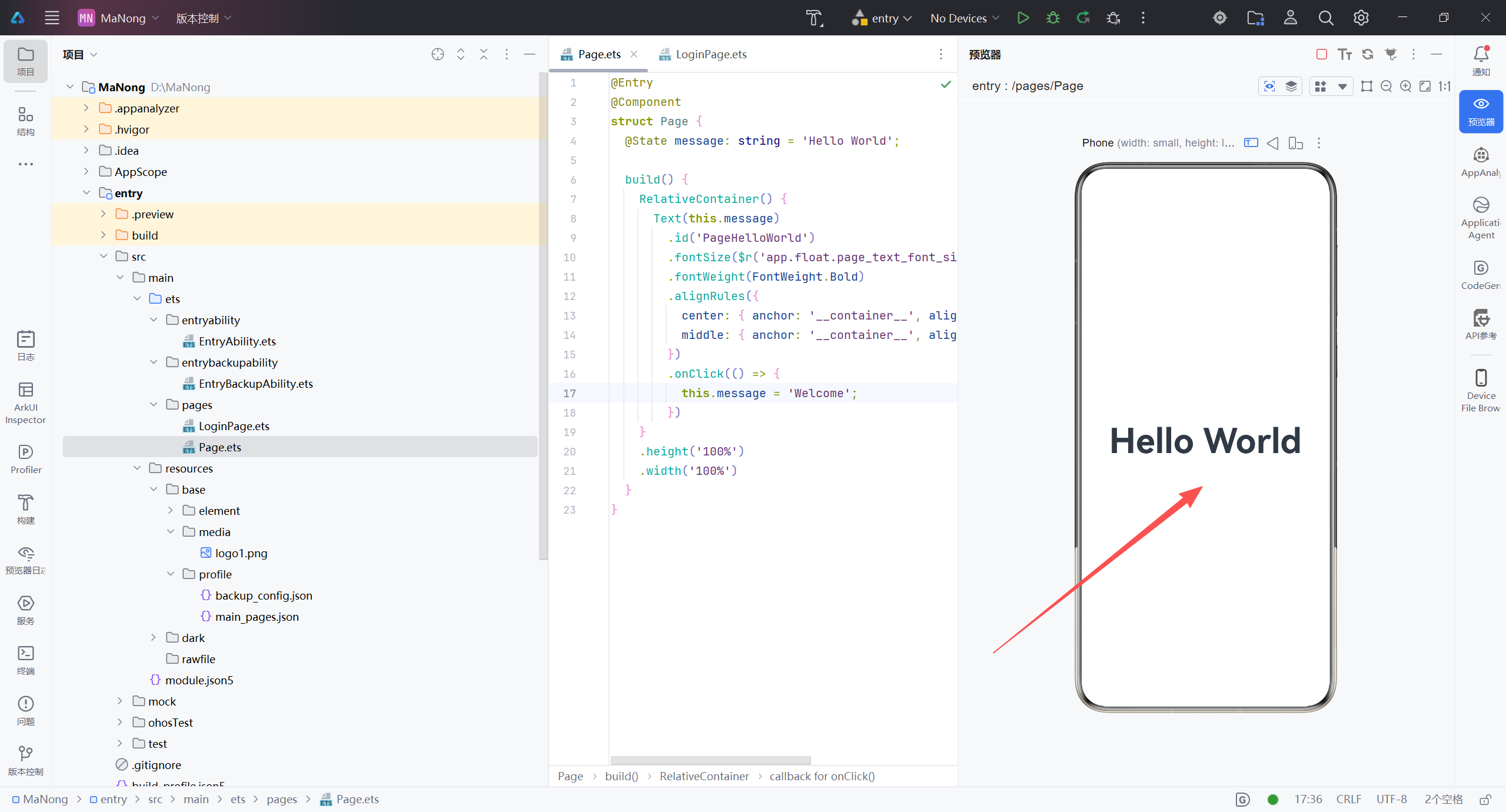
更多关于HarmonyOS鸿蒙Next中如何自由调整text的位置、大小及方向?的实战教程也可以访问 https://www.itying.com/category-93-b0.html
3 回复

需求给AI
更多关于HarmonyOS鸿蒙Next中如何自由调整text的位置、大小及方向?的实战系列教程也可以访问 https://www.itying.com/category-93-b0.html

在HarmonyOS Next中,使用Text组件的position、margin、padding调整位置,fontSize控制大小,width/height约束尺寸。方向通过textAlign(水平)、verticalAlign(垂直)对齐,rotate(角度)实现旋转。布局可结合ConstraintLayout或Flex精确定位。

在HarmonyOS Next(ArkUI)中,Text组件可通过通用属性自由调整位置、大小及方向:
- 位置:使用
.position({ x, y })或.offset({ x, y })。 - 大小:通过
.fontSize(value)控制。 - 方向:利用
.rotate({ angle })旋转文字(如270度实现竖向排列)。
若要实现中间圆形文字、两侧竖立对联的布局,常用Stack叠加,结合position定位和rotate旋转。示例代码片段:
@Entry
@Component
struct Couplet {
  build() {
    Stack({ alignContent: Alignment.Center }) {
      // 左对联(竖向)
      Column() {
        Text('上').rotate(270).fontSize(20)
        Text('联').rotate(270).fontSize(20)
      }.position({ x: 50, y: 200 })

      // 右对联(竖向)
      Column() {
        Text('下').rotate(270).fontSize(20)
        Text('联').rotate(270).fontSize(20)
      }.position({ x: 300, y: 200 })

      // 圆形文字环:多个Text按角度分布
      Text('圆').rotate(0).position({ x: 175, y: 50 })
      Text('环').rotate(45).position({ x: 220, y: 80 })
      Text('文').rotate(90).position({ x: 250, y: 130 })
      Text('字').rotate(135).position({ x: 220, y: 180 })
      // 继续按角度补全圆环
    }.width('100%').height('100%')
  }
}
若需更精确的圆形排列,可按数学计算x = cx + r*cos(θ),y = cy + r*sin(θ)设定每个Text的position,即可自由控制。
