




HarmonyOS 鸿蒙Next中如何自定义APP启动窗口Splash Screen中的内容?
HarmonyOS 鸿蒙Next中如何自定义APP启动窗口Splash Screen中的内容? module.json5中配置的startWindowIcon是不是显示在启动窗口Splash Screen中的?

是的,module.json5 里的 startWindowIcon 就是应用启动时系统显示的 StartWindow(启动窗口) 中的图标配置项。
例如:
{
  "abilities": [
    {
      "name": "EntryAbility",
      "startWindowIcon": "$media:start_icon",
      "startWindowBackground": "$color:start_window_background"
    }
  ]
}
这里的:
startWindowIcon:启动窗口显示的图标startWindowBackground:启动窗口背景色
应用冷启动时,系统会先显示这个 StartWindow,然后才进入你的 ArkUI 页面。
不过需要注意一点:
StartWindow ≠ 自定义 Splash 页面
很多开发者以为:
startWindowIcon = 启动页图片
实际上不是。
目前系统提供的 StartWindow 只能配置:
- 图标
- 背景色
不能直接配置一张完整的启动图。
如果你想实现:
- 品牌 Logo
- 广告图
- 动画
- 视频
- 自定义布局
仍然需要自己做一个 Splash 页面:
StartWindow(系统)
      ↓
SplashPage(自定义)
      ↓
HomePage
HarmonyOS 5/6 更推荐的方式
如果只是简单启动页:
"startWindowIcon": "$media:start_icon",
"startWindowBackground": "$color:white"
然后让你的 Splash 页面:
Image($r('app.media.start_icon'))
背景色保持一致。
这样用户几乎感受不到:
StartWindow → Splash
之间的切换,不会出现闪屏。
如果想完全自定义启动窗口
HarmonyOS 新版实际上还支持:
{
  "startWindow": "$profile:start_window"
}
然后配置:
resources/base/profile/start_window.json
来自定义增强版启动窗口。
当配置了:
"startWindow": "$profile:start_window"
后:
startWindowIcon
startWindowBackground
会失效,以 start_window.json 的配置为准。
所以总结一下:
startWindowIcon确实就是启动窗口(StartWindow)显示的图标。- 它不是完整的 Splash 图片,只能显示图标。
- 想做品牌启动页、广告页、动画页,需要自己实现 Splash 页面。
- HarmonyOS 5/6 可以进一步使用
startWindow + start_window.json实现增强版启动窗口。
更多关于HarmonyOS 鸿蒙Next中如何自定义APP启动窗口Splash Screen中的内容?的实战系列教程也可以访问 https://www.itying.com/category-93-b0.html

启动时看到的第一屏要分成两段看:系统 StartWindow 和应用自己的 Splash 页面。StartWindow 是应用进程和首帧还没准备好时由系统先顶上的“门帘”,它适合放图标和背景色,不适合跑动画、倒计时、网络请求这类业务逻辑。
如果只是想改默认白底图标,可以在 module.json5 的 ability 配置里调整 startWindowIcon、startWindowBackground,或按新版本能力使用增强启动页配置。这样冷启动时第一眼就不会是默认样式。
如果想做完整开屏页,比如大图、品牌动效、广告、初始化进度,建议自己建 Splash.ets,在 EntryAbility 的 loadContent 里先加载 Splash,初始化完成后再 replace 到首页。为了不闪,StartWindow 的背景色和 Splash 第一帧尽量保持一致,就像舞台换景时先铺同色幕布,观感会顺很多。参考来源:UIAbility 启动流程、module.json5 启动窗口配置、ArkUI 页面路由文档。

背景知识:
是的,在 module.json5 下面的 abilities 中设置 startWindowIcon 属性就可设置 Splash Screen 中的内容了。如下:
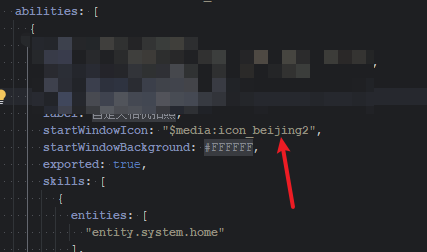
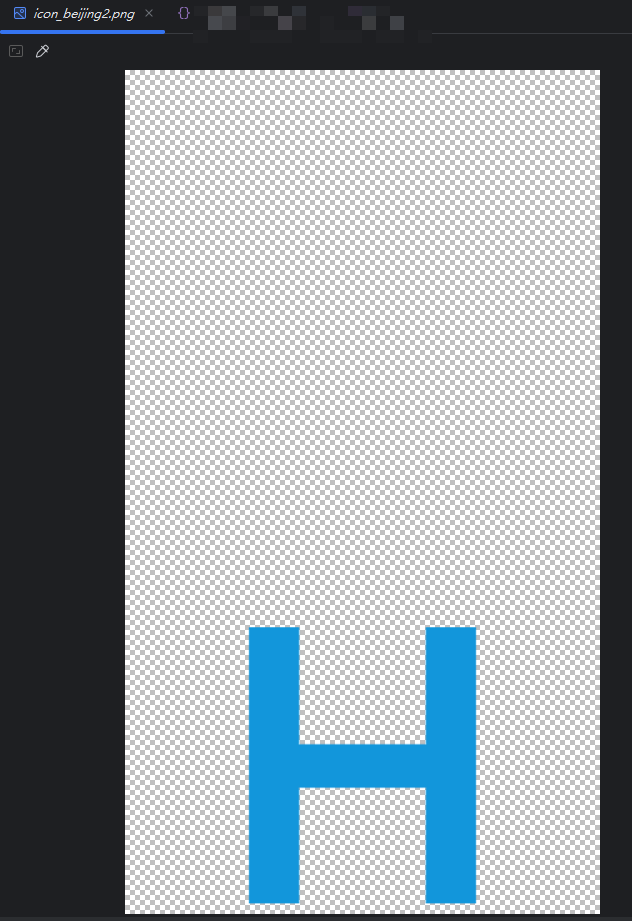
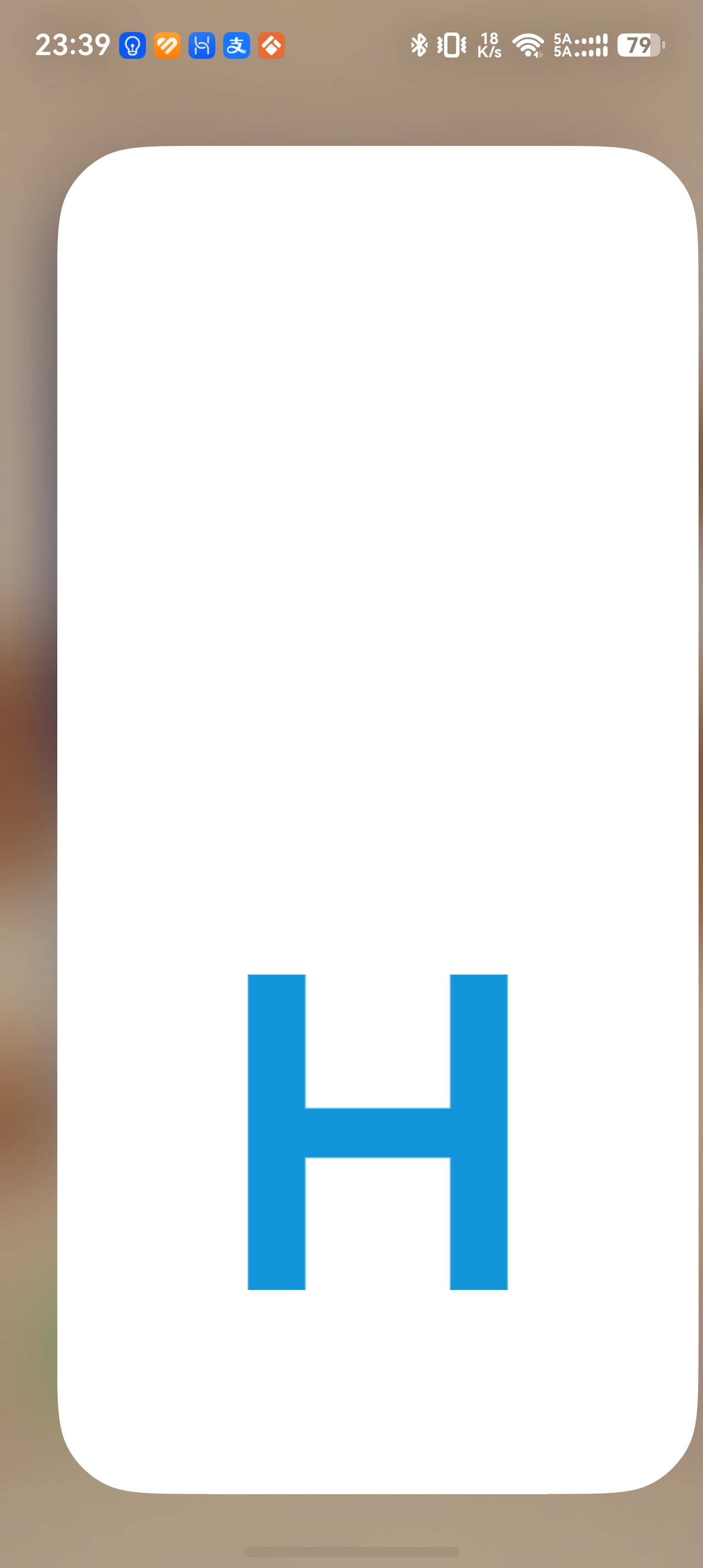


是的,module.json5 里 abilities 下的 startWindowIcon 就是简易启动页里居中显示的图标资源,通常类似这样:
"startWindowIcon": "$media:startIcon",
"startWindowBackground": "$color:start_window_background"
需要注意几个点:
- startWindowIcon 只负责简易启动页的图标,不是完整的自定义启动页面。
- startWindowBackground 是启动页背景色,建议和首页背景接近,减少切换时闪白。
- 如果配置了 startWindow 指向增强启动页 json,那么 startWindowIcon/startWindowBackground 这套简易配置会失效,实际以增强启动页配置为准。
- 如果想做背景图、品牌图、插画等更复杂的 Splash,建议使用 API 19+ 的增强启动页 startWindow 配置。
所以简单图标启动页用 startWindowIcon;复杂启动页用 startWindow 指向 profile 下的启动页配置文件。


在HarmonyOS Next中,自定义Splash Screen可通过修改模块的module.json5配置文件,设置startWindowIcon和startWindowBackground字段。若需更复杂的UI,在UIAbility的onWindowStageCreate()中调用windowStage.setUIContent()加载自定义页面,例如使用@Entry装饰的ArkTS组件。此方式可替换默认启动窗口内容。
startWindowIcon 确实是启动窗口显示的图标,位于 Splash Screen 中心。在 HarmonyOS Next 中,module.json5 的 startWindow 字段就是用来配置启动窗口样式的。除了图标,你还可以通过 startWindowBackground 设置背景颜色或图片。如果需要完全自定义启动内容(比如动画、文字等),可以配置 startWindowPage 指向一个专项页面,系统会优先显示该页面作为启动界面。
示例配置如下:
"startWindow": {
  "startWindowIcon": "$media:icon",
  "startWindowBackground": "$color:start_window_bg",
  "startWindowPage": "pages/SplashPage"
}
配置 startWindowPage 后,图标和背景会被忽略,转由指定页面接管启动展示。该页面需迅速加载且不应有过重逻辑,以免影响启动速度。,
