

uni-app picker 组件中 Object(...) is not a function 问题
uni-app picker 组件中 Object(…) is not a function 问题
| 项目 | 内容 |
|---|---|
| 产品分类 | uniapp/H5 |
| PC开发环境操作系统 | Windows |
| PC开发环境操作系统版本号 | w10 |
| HBuilderX类型 | 正式 |
| HBuilderX版本号 | 3.3.5 |
| 浏览器平台 | Chrome |
| 浏览器版本 | 版本 97.0.4692.71(正式版本) (64 位) |
| 项目创建方式 | HBuilderX |
bug描述:
picker
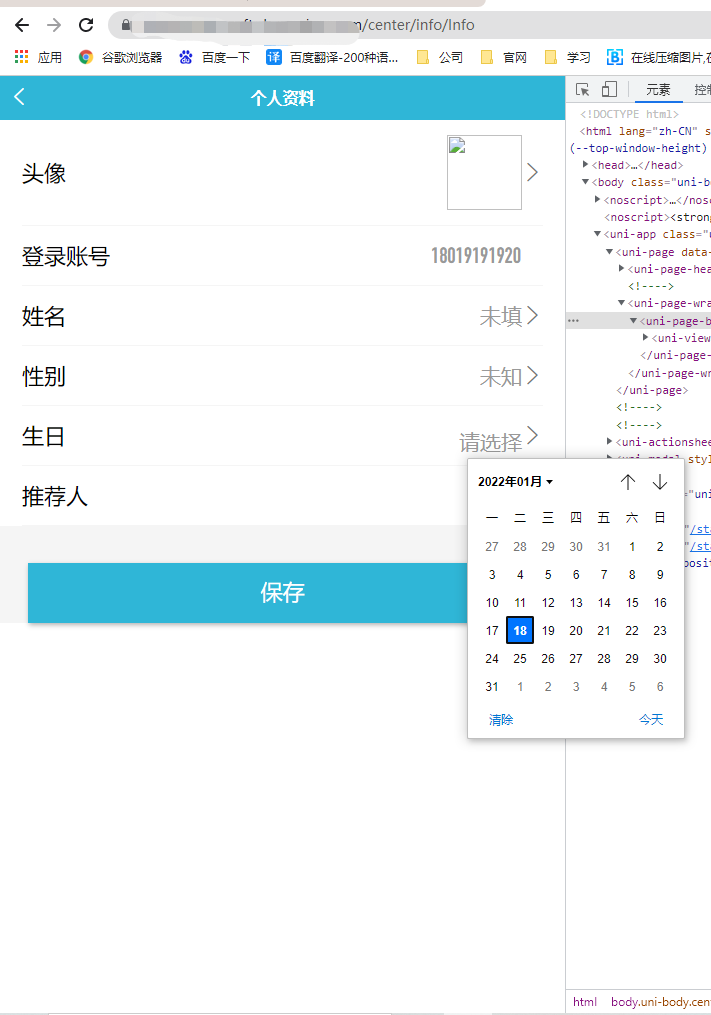
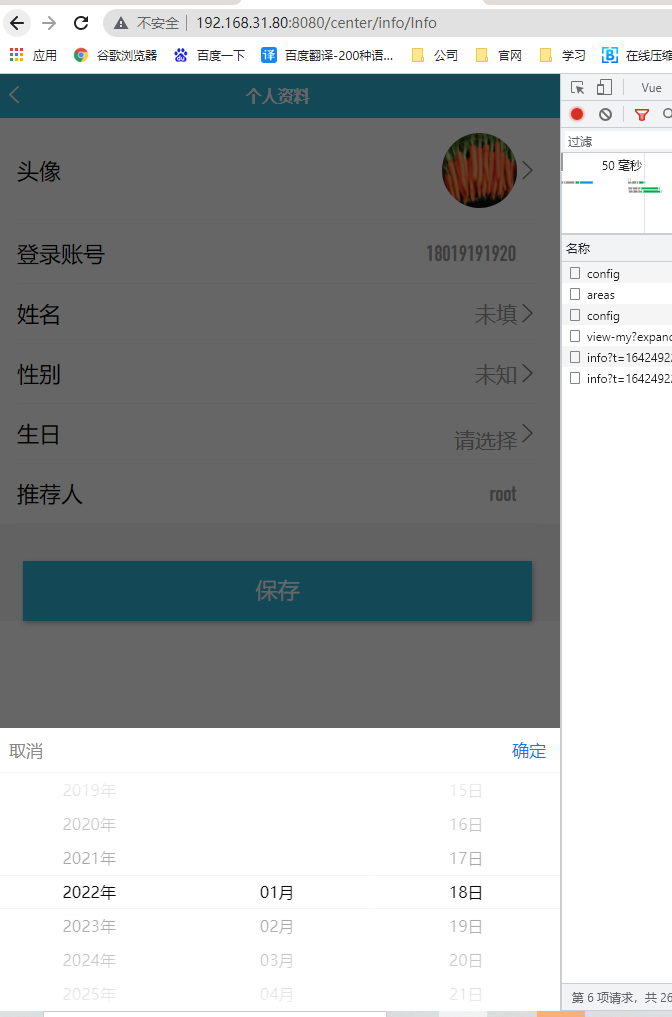
本地运行不会出错
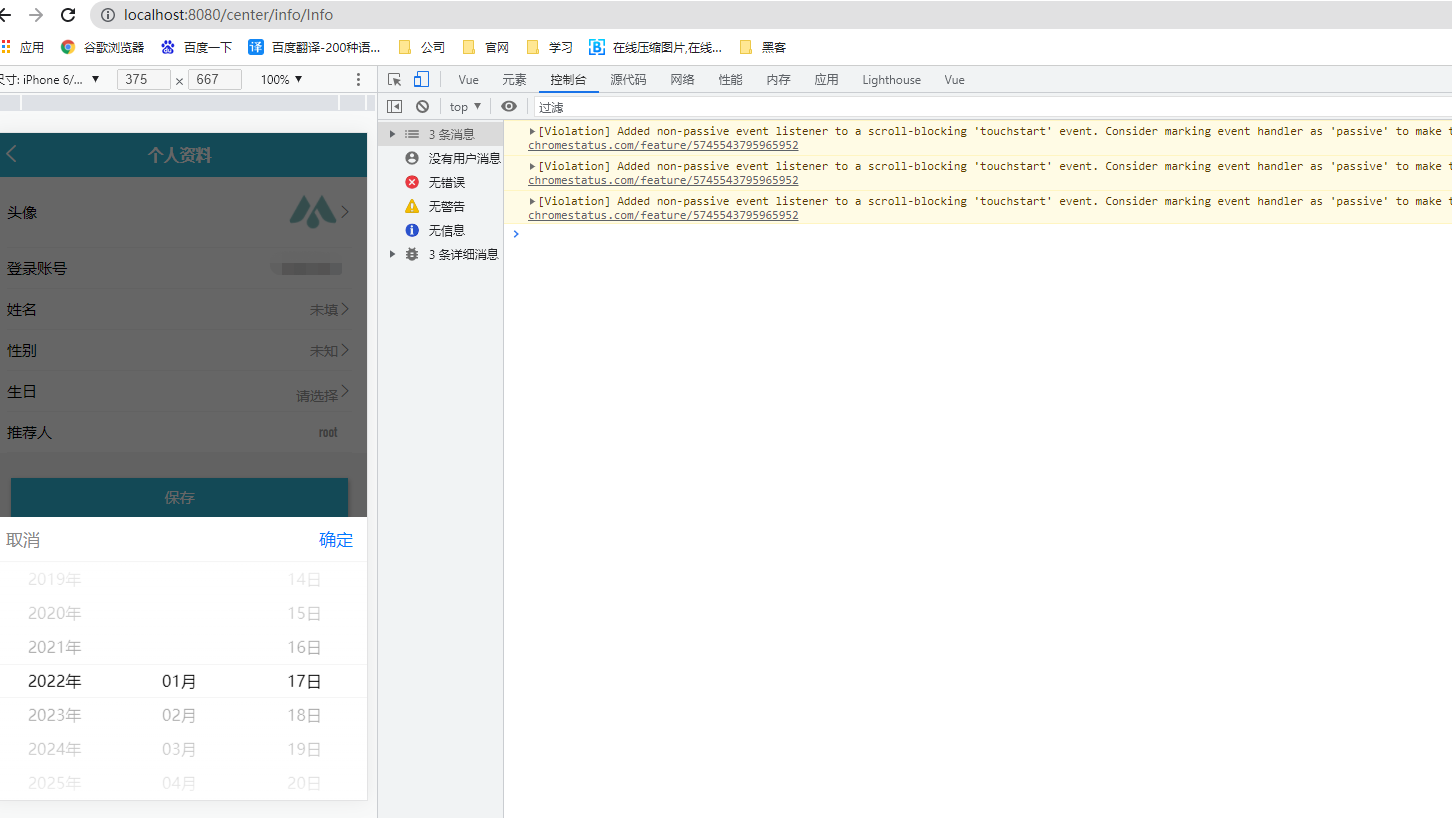
打包发布到线上就出现下面错误
TypeError: Object(…) is not a function
使用https://github.com/dcloudio/hello-uniapp/blob/master/pages/component/picker/picker.vue,使用hello-uni也提示这样的错误
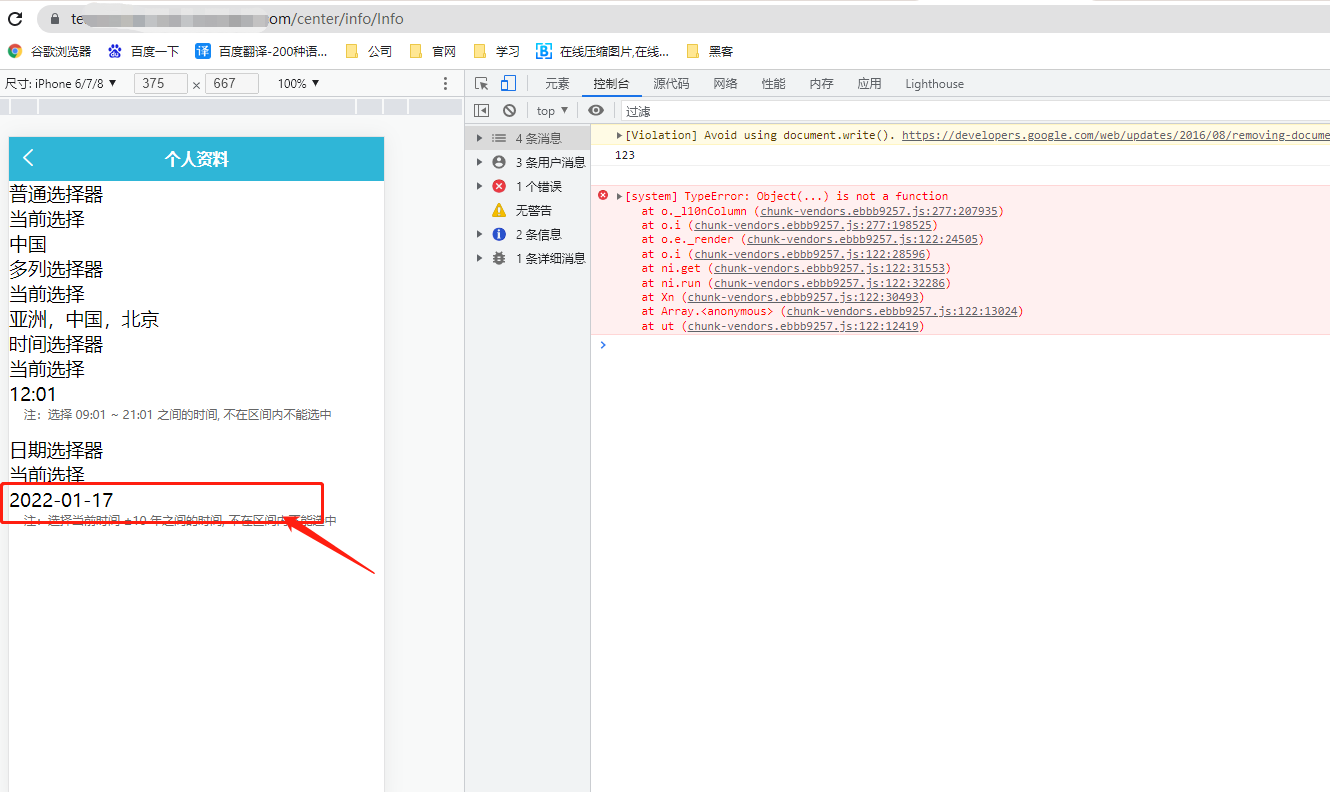
示例代码:
<template>
    <view class="info-box lighter-icon">
        <view class="contents">
            <view class="item u-f u-f-jsb u-f-ac" v-for="(item,index) in lists" :key="index">
                <text>{{item.name}}</text>
                <view class="right u-f u-f-ac">
                    <template v-if="item.name==='姓名'">
                        <input type="text" v-model="item.value" :focus="focu" @tap="focu=true">
                    </template>
                    <!-- 性别 -->
                    <picker @change="bindPickerChange" :value="index" :range="array" v-else-if="item.name==='性别'" mode="selector">
                        {{item.value}}
                    </picker>
                    <!-- 生日 -->
                    <picker class="date" @change="bindDateChange" :value="date" :start="startDate" :end="endDate" v-else-if="item.name==='生日'" mode="date">
                        {{date}}
                    </picker>
                    <template v-else>
                        <text v-if="item.value" :class="[item.isedit||item.imgUrl?'':'par']">
                            {{item.value}}
                        </text>
                    </template>
                    <img :src="avatar" v-if="item.imgUrl" @tap="uploadImg">
                    <!-- <img :src="recom_avatar"  v-if="item.imgUrlRec" > -->
                    <text class="iconfont iconiconleft" v-if="item.isedit||item.imgUrl"></text>
                </view>
            </view>
        </view>
        <text class="mix-btn u-f u-f-jsc" @click="Confirm">保存</text>
    </view>
</template>

<script>
    import {
        pathToBase64,
        base64ToPath
    } from '@/common/js/image-base64.js'
    export default {
        data() {
            const currentDate = this.getDate({
                format: true
            })

            return {
                avatar: '',
                userInfo: '',
                focu: false,
                lists: [{
                        name: '头像',
                        value: '',
                        imgUrl: true
                    },
                    {
                        name: '登录账号',
                        value: ''
                    },
                    {
                        name: '姓名',
                        value: '',
                        isedit: 'true'
                    },
                    {
                        name: '性别',
                        value: '',
                        isedit: 'true',
                    },
                    {
                        name: '生日',
                        value: '',
                        isedit: 'true',
                    },

                    {
                        name: '推荐人',
                        value: '',
                        imgUrlRec:true
                    }
                ],
                tempFilePath: '',
                array: ['男', '女'],
                index: 0, //性别所选中的
                date: currentDate,
                // recom_avatar:''
            };
        },
        components: {},
        computed: {
            startDate() {
                return this.getDate('start')
            },
            endDate() {
                return this.getDate('end')
            }
        },

        methods: {
            // 绑定性别改变
            bindPickerChange(e) {
                this.index = e.target.value
                this.lists[3].value = this.array[e.target.value]
            },
            // 绑定日期改变
            bindDateChange(e) {
                this.date = e.target.value
            },
            // 格式化日期
            getDate(type) {
                const date = new Date();
                let year = date.getFullYear();
                let month = date.getMonth() + 1;
                let day = date.getDate();
                if (type === 'start') {
                    year = year - 60;
                } else if (type === 'end') {
                    year = year + 2
                }
                month = month > 9 ? month : '0' + month
                day = day > 9 ? day : '0' + day
                return `${year}-${month}-${day}`
            },
        },
    }
</script>

<style lang='scss' scoped>
    .date {
        position: relative;
        top: 8rpx;
    }
    .info-box {
        background: #f5f5f5;
        .contents{
            background: #ffffff;
            padding: 0 30rpx;
        }

        img {
            width: 100rpx;
            height: 100rpx;
            border-radius: 100%;
        }

        .item {
            padding: 20rpx 0;
            color: #444444;
            font-size: 30rpx;
            border-bottom: 1px solid #f5f5f5;
            >text{
                color: #000000;
            }

            .right {
                color: #999999;

                input {
                    text-align: right;
                    font-size: 28rpx;
                }
                .iconiconleft{
                    font-size: 28rpx;
                    color: #777777;
                }
            }
        }
    }
    picker{
        font-size: 28rpx;
    }

    .par {
        padding-right: 30rpx;
        font-size: 30rpx;
    }
    .mix-btn{
        height: 80rpx;
        line-height: 80rpx;
        font-size: 30rpx;
        width: 90%;
        margin: 50rpx auto;
        border-radius: 0;
    }
</style>
操作步骤:
点击选着日期会出现弹出成
预期结果:
预期是没问题的
实际结果:
chunk-vendors.ebbb9257.js:277 [system] TypeError: Object(...) is not a function
    at o._l10nColumn (chunk-vendors.ebbb9257.js:277:207935)
    at o.i (chunk-vendors.ebbb9257.js:277:198525)
    at o.e._render (chunk-vendors.ebbb9257.js:122:24505)
    at o.i (chunk-vendors.ebbb9257.js:122:28596)
    at ni.get (chunk-vendors.ebbb9257.js:122:31553)
    at ni.run (chunk-vendors.ebbb9257.js:122:32286)
    at Xn (chunk-vendors.ebbb9257.js:122:30493)
    at Array.<anonymous> (chunk-vendors.ebbb9257.js:122:13024)
    at ut (chunk-vendors.ebbb9257.js:122:12419)
(匿名) @ chunk-vendors.ebbb9257.js:277
Array.isArray.t.onError.length.t.onError @ chunk-vendors.ebbb9257.js:277
tt @ chunk-vendors.ebbb9257.js:122
ki.__call_hook @ chunk-vendors.ebbb9257.js:122
t.config.errorHandler @ chunk-vendors.ebbb9257.js:277
nt @ chunk-vendors.ebbb9257.js:122
et @ chunk-vendors.ebbb9257.js:122
e._render @ chunk-vendors.ebbb9257.js:122
i @ chunk-vendors.ebbb9257.js:122
ni.get @ chunk-vendors.ebbb9257.js:122
ni.run @ chunk-vendors.ebbb9257.js:122
Xn @ chunk-vendors.ebbb9257.js:122
(匿名) @ chunk-vendors.ebbb9257.js:122
ut @ chunk-vendors.ebbb9257.js:122
Promise.then(异步)
rt @ chunk-vendors.ebbb9257.js:122
ht @ chunk-vendors.ebbb9257.js:122
ei @ chunk-vendors.ebbb9257.js:122
ni.update @ chunk-vendors.ebbb9257.js:122
me.notify @ chunk-vendors.ebbb9257.js:122
set @ chunk-vendors.ebbb9257.js:122
ii.set @ chunk-vendors.ebbb9257.js:122
(匿名) @ chunk-vendors.ebbb9257.js:277
setTimeout(异步)
_show @ chunk-vendors.ebbb9257.js:277
tt @ chunk-vendors.ebbb9257.js:122
n @ chunk-vendors.ebbb9257.js:122
a._wrapper @ chunk-vendors.ebbb9257.js:122
更多关于uni-app picker 组件中 Object(...) is not a function 问题的实战教程也可以访问 https://www.itying.com/category-93-b0.html
13 回复

是vue2还是vue3?请升级至HBuilder X 3.3.8-alpha试下
更多关于uni-app picker 组件中 Object(...) is not a function 问题的实战教程也可以访问 https://www.itying.com/category-93-b0.html


回复 DCloud_UNI_Anne: 最简单的就是把https://github.com/dcloudio/hello-uniapp/blob/master/pages/component/picker/picker.vue,这里面的代码复制,然后打包到线上,就会出现上面的错误