




HarmonyOS鸿蒙Next中通过Flex实现京东热门搜索功能效果
HarmonyOS鸿蒙Next中通过Flex实现京东热门搜索功能效果 通过Flex实现京东热门搜索功能效果
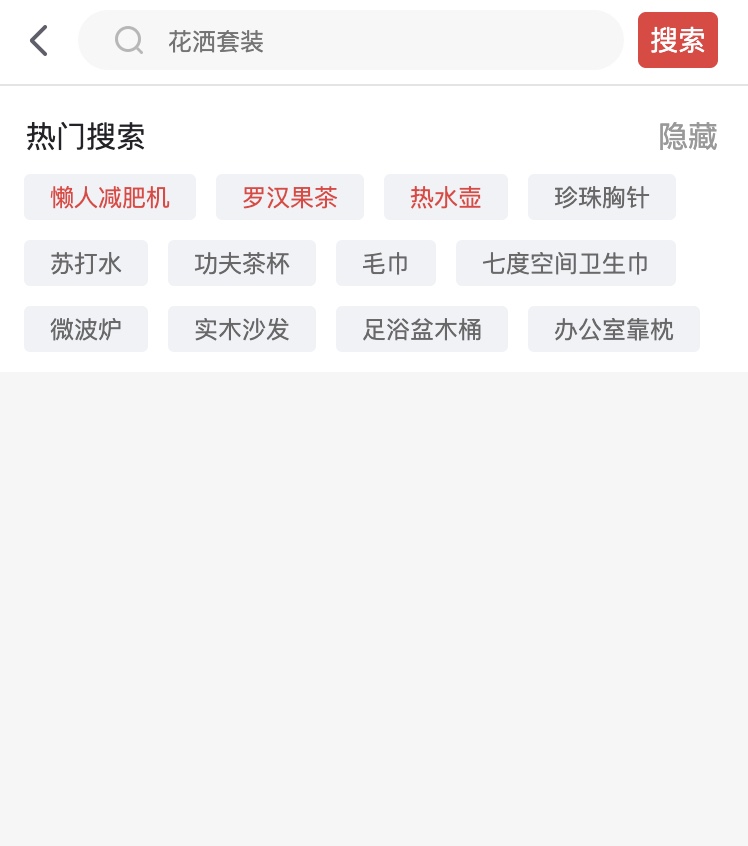
更多关于HarmonyOS鸿蒙Next中通过Flex实现京东热门搜索功能效果的实战教程也可以访问 https://www.itying.com/category-93-b0.html
2 回复

效果
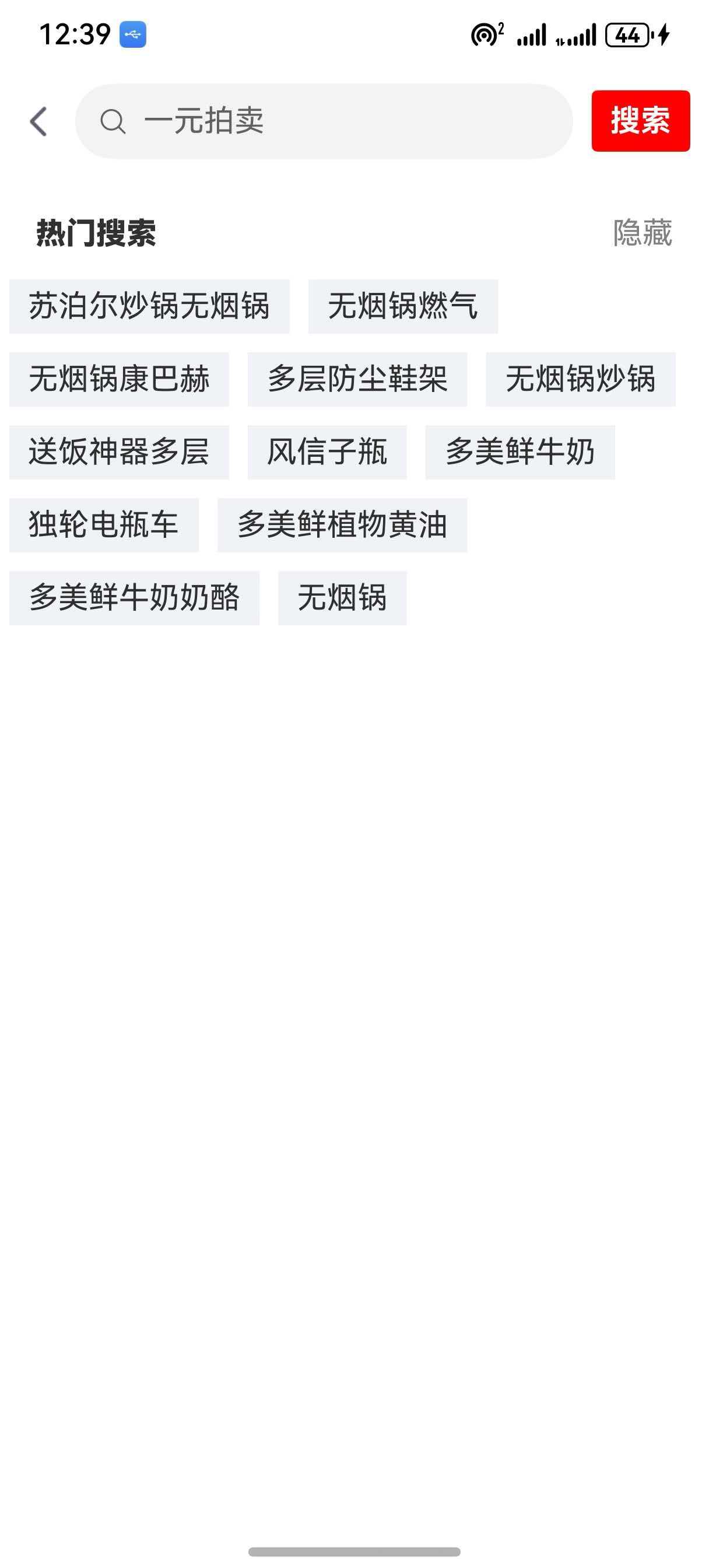
完整代码
// import { NavBar } from '../components/NavBar'
import { router } from '@kit.ArkUI'

@Entry
@Component
struct SearchHot {

  @State keywords:string = ''

  @Builder MiddleBuilder() {
    Search({placeholder:'一元拍卖'}).layoutWeight(1).margin({left:10,right:10}).onChange((data:string) => this.keywords = data)
  }

  @Builder RightBuilder() {
    Text('搜索').padding({left:10,right:10,top:7,bottom:7}).borderRadius(3).backgroundColor(Color.Red).fontColor('#fff').fontWeight(700).onClick(() => {
      router.pushUrl({
        params: {keywords: this.keywords},
        url: 'pages/SearchGoods'
      })
    })
  }

  build() {
    Column() {

      // NavBar()

      Row() {
        Text('热门搜索').fontWeight(900)
        Text('隐藏').fontColor(Color.Gray)
      }.width('90%').justifyContent(FlexAlign.SpaceBetween).margin({top:20,bottom:10})

      Flex({
        wrap: FlexWrap.Wrap
      }){
        ForEach(['苏泊尔炒锅无烟锅', '无烟锅燃气', '无烟锅康巴赫', '多层防尘鞋架', '无烟锅炒锅', '送饭神器多层', '风信子瓶', '多美鲜牛奶', '独轮电瓶车', '多美鲜植物黄油', '多美鲜牛奶奶酪', '无烟锅'], (item:string) => {
          Text(item).margin(5).padding({left:10,right:10,top:5,bottom:5}).backgroundColor('#f1f2f6').onClick(() => {
            router.pushUrl({
              params: {keywords: item},
              url: 'pages/SearchGoods'
            })
          })
        })
      }
    }
  }
}
更多关于HarmonyOS鸿蒙Next中通过Flex实现京东热门搜索功能效果的实战系列教程也可以访问 https://www.itying.com/category-93-b0.html

在HarmonyOS Next中,使用Flex布局实现类似京东热门搜索的流式标签效果是高效且推荐的做法。核心思路是利用Flex容器的wrap属性实现自动换行,并结合子项的灵活边距控制间距。
以下是一个简洁的实现示例:
// 示例数据
private hotWords: string[] = ['手机', '华为Mate 70', '平板电脑', '蓝牙耳机', '冰箱', '空调', '洗衣机', '运动鞋', '羽绒服']

build() {
  Column() {
    // 标题
    Text('热门搜索')
      .fontSize(18)
      .fontWeight(FontWeight.Medium)
      .margin({ bottom: 12 })

    // Flex流式布局容器
    Flex({ wrap: FlexWrap.Wrap }) {
      ForEach(this.hotWords, (item: string) => {
        // 每个标签项
        Text(item)
          .padding({
            left: 16,
            right: 16,
            top: 8,
            bottom: 8
          })
          .backgroundColor(Color.White)
          .borderRadius(16)
          .border({
            width: 1,
            color: '#eee'
          })
          .margin({
            right: 12,
            bottom: 12
          })
      })
    }
    .width('100%')
  }
  .padding(16)
  .backgroundColor('#f5f5f5')
}
关键点说明:
-
FlexWrap.Wrap:这是实现流式布局的核心,当子项宽度超过容器时自动换行。
-
间距控制:通过子项的
margin属性控制标签间的水平(right)和垂直(bottom)间距,这种方式比使用justifyContent和alignItems更直接。 -
标签样式:通过
padding、borderRadius和border实现圆角边框标签效果,背景色设为白色以区分于容器背景。 -
容器宽度:设置
width('100%')让Flex容器占满可用宽度。
这种实现方式性能良好,能自动适应不同屏幕尺寸,标签宽度会根据内容自适应,换行行为符合预期。
