




HarmonyOS鸿蒙Next中state修饰的状态变化ui未监听到
HarmonyOS鸿蒙Next中state修饰的状态变化ui未监听到 使用的bindSheet弹窗,在Builder组件里面使用Component修饰的组件,这个组件内的状态变化未监听到,demo已复现,该如何改?
改成了CustomDialog弹窗也是不生效
@Entry
@Component
struct DialogPage {
  @StorageLink('isLoading') isLoading: boolean = false;
  @State show: boolean = false;
  @State list: number[] = [
    1,2,3,4,5,6
  ]


  @Builder
  listDemo() {
    Column() {
      List() {
        ForEach(this.list, (item: number, index) => {
          listDemoCom({
            item: item,
            index
          })
        })
      }
    }
  }

  build() {
    Column() {
      Button('打开面板')
        .onClick(() => {
          this.show = true
        })
        .bindSheet($$this.show, this.listDemo, {
          detents:[SheetSize.FIT_CONTENT],
          backgroundColor:Color.White,
          showClose:false,
          onWillDismiss: ((DismissSheetAction: DismissSheetAction) => {
            DismissSheetAction.dismiss()
          })
        })
    }
    .height('100%')
    .width('100%')
  }
}

@Component
struct listDemoCom {
  @Prop item: number
  @Prop index: number = 0;
  @StorageLink('isLoading') isLoading: boolean = false;
  @State isload: boolean = false;
  aboutToAppear(): void {
    if (this.isLoading) {
      this.isload = true;
    }
    console.log('true')
  }

  build() {
    ListItem() {
      Row() {
        if (this.isload && this.index == 0) {
          LoadingProgress()
        } else {
          Text(this.item + '')
        }
      }
      .width('100%')
      .height(40)
      .justifyContent(FlexAlign.Center)
      .alignItems(VerticalAlign.Center)
      .onClick(() => {
        this.isload = true;
        this.isLoading = true;
        setTimeout(() => {
          this.isload = false;
          this.isLoading = false;
          console.log('改变状态', this.isload)
        }, 10000)
      })
    }
  }
}
更多关于HarmonyOS鸿蒙Next中state修饰的状态变化ui未监听到的实战教程也可以访问 https://www.itying.com/category-93-b0.html

开发者你好,当前使用DevEco Studio 6.0.1 Release以及对应版本模拟器,运行您这边提供的demo,可以正常监听UI变化;
1、麻烦问下你这边的预期效果是否是点击第一条之后,第一条的“1”编程loading图标,在10s后恢复为“1”,如果是的话,我这边效果是正常的。
2、你这边的IDE以及运行的设备版本是多少。
更多关于HarmonyOS鸿蒙Next中state修饰的状态变化ui未监听到的实战系列教程也可以访问 https://www.itying.com/category-93-b0.html

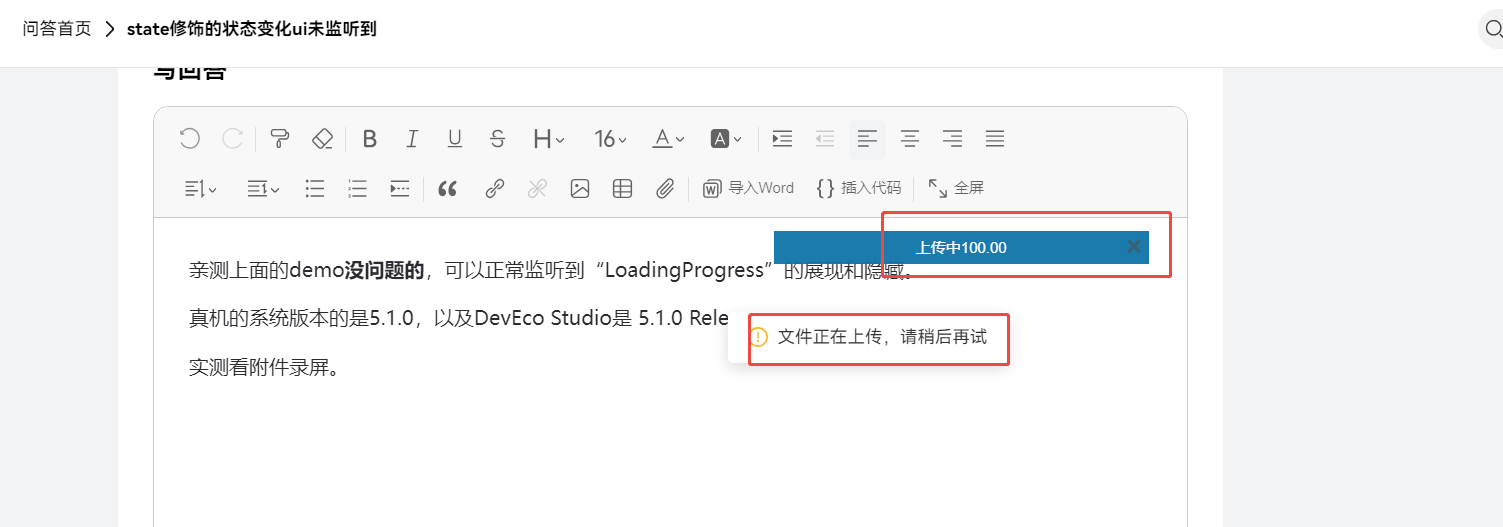
亲测上面的demo没问题的,可以正常监听到“LoadingProgress”的展现和隐藏。
真机的系统版本的是5.1.0,以及DevEco Studio是 5.1.0 Release。
实测看附件录屏。录屏上传失败,这个回复功能出问题了吧😂


在 HarmonyOS Next 中,@Builder 函数内使用 @Component 组件时,如果组件的状态变化未触发 UI 更新,通常是因为 @Builder 函数在每次渲染时都会重新执行,导致其内部的 @Component 被重新创建,状态丢失。
在你的代码中,listDemo 是一个 @Builder 函数,它内部通过 ForEach 创建了多个 listDemoCom 组件实例。当 DialogPage 中的 list 数组或 show 状态变化时,listDemo 函数会重新执行,listDemoCom 组件会经历销毁和重建的过程,其内部的 @State isload 状态会被重置为初始值 false。因此,你在 listDemoCom 内通过 onClick 设置的 this.isload = true 虽然执行了,但组件很快被重建,状态恢复初始值,UI 看起来没有变化。
解决方案:将状态提升到父组件(DialogPage)中管理。
具体修改如下:
- 在
DialogPage中定义一个状态来管理每个列表项的加载状态。 例如,可以使用一个对象或数组来存储。 - 将
listDemoCom组件改为无状态组件,通过@Prop接收父组件传递的加载状态和改变该状态的方法。
修改后的代码示例:
@Entry
@Component
struct DialogPage {
  @StorageLink('isLoading') isLoading: boolean = false;
  @State show: boolean = false;
  @State list: number[] = [1, 2, 3, 4, 5, 6];
  // 新增:使用一个数组来管理每个列表项的加载状态
  @State itemLoadingStates: boolean[] = [false, false, false, false, false, false];

  @Builder
  listDemo() {
    Column() {
      List() {
        ForEach(this.list, (item: number, index) => {
          // 将状态和状态更新方法通过参数传递给子组件
          listDemoCom({
            item: item,
            index: index,
            isLoading: this.itemLoadingStates[index], // 传递当前项的加载状态
            onLoadingChange: (newValue: boolean) => {
              // 更新父组件中对应项的状态
              this.itemLoadingStates[index] = newValue;
            }
          })
        })
      }
    }
  }

  build() {
    Column() {
      Button('打开面板')
        .onClick(() => {
          this.show = true
        })
        .bindSheet($$this.show, this.listDemo, {
          detents: [SheetSize.FIT_CONTENT],
          backgroundColor: Color.White,
          showClose: false,
          onWillDismiss: ((DismissSheetAction: DismissSheetAction) => {
            DismissSheetAction.dismiss()
          })
        })
    }
    .height('100%')
    .width('100%')
  }
}

@Component
struct listDemoCom {
  @Prop item: number
  @Prop index: number = 0;
  // 接收父组件传递的加载状态
  @Prop isLoading: boolean = false;
  // 接收父组件传递的状态更新方法
  @Prop onLoadingChange: (value: boolean) => void;

  @StorageLink('isLoading') globalLoading: boolean = false;

  aboutToAppear(): void {
    // 可以根据需要初始化,但状态主要来自父组件传递的 @Prop
    console.log('true')
  }

  build() {
    ListItem() {
      Row() {
        // 使用从父组件传递的 isLoading 状态
        if (this.isLoading && this.index == 0) {
          LoadingProgress()
        } else {
          Text(this.item + '')
        }
      }
      .width('100%')
      .height(40)
      .justifyContent(FlexAlign.Center)
      .alignItems(VerticalAlign.Center)
      .onClick(() => {
        // 调用父组件传递的方法来更新状态
        this.onLoadingChange(true);
        this.globalLoading = true;
        setTimeout(() => {
          this.onLoadingChange(false);
          this.globalLoading = false;
          console.log('改变状态', this.isLoading)
        }, 10000)
      })
    }
  }
}
关键改动说明:
- 状态提升: 将原本属于
listDemoCom的@State isload提升到其父组件DialogPage中,定义为@State itemLoadingStates: boolean[]。 - 数据传递:
DialogPage通过@Builder函数listDemo创建listDemoCom时,将对应索引的加载状态 (this.itemLoadingStates[index]) 和一个状态更新函数 (onLoadingChange) 通过@Prop传递给子组件。 - 状态更新: 子组件
listDemoCom的onClick事件中,不再直接修改自己的状态,而是调用父组件传入的onLoadingChange方法来更新父组件中的状态数组。父组件状态更新后,会触发listDemo函数重新执行,并将新的状态值传递给子组件,从而驱动 UI 更新。
这样修改后,状态由父组件统一管理,避免了子组件因重建而导致的状态丢失问题,UI 能够正确响应状态变化。
